
Settings
Set up, configure, and customize
  • Quickly set up the complete system in the field.
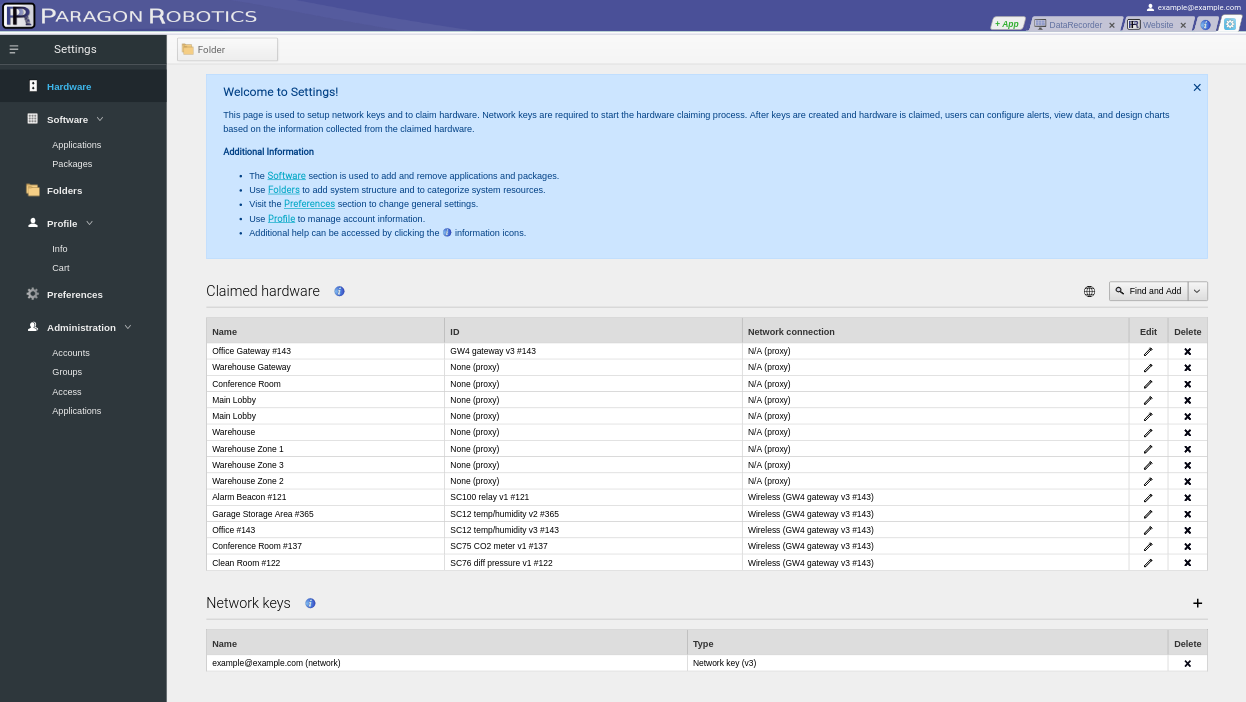
  • Automatically search for and locate connected gateways, thermostats, controls, and sensors.
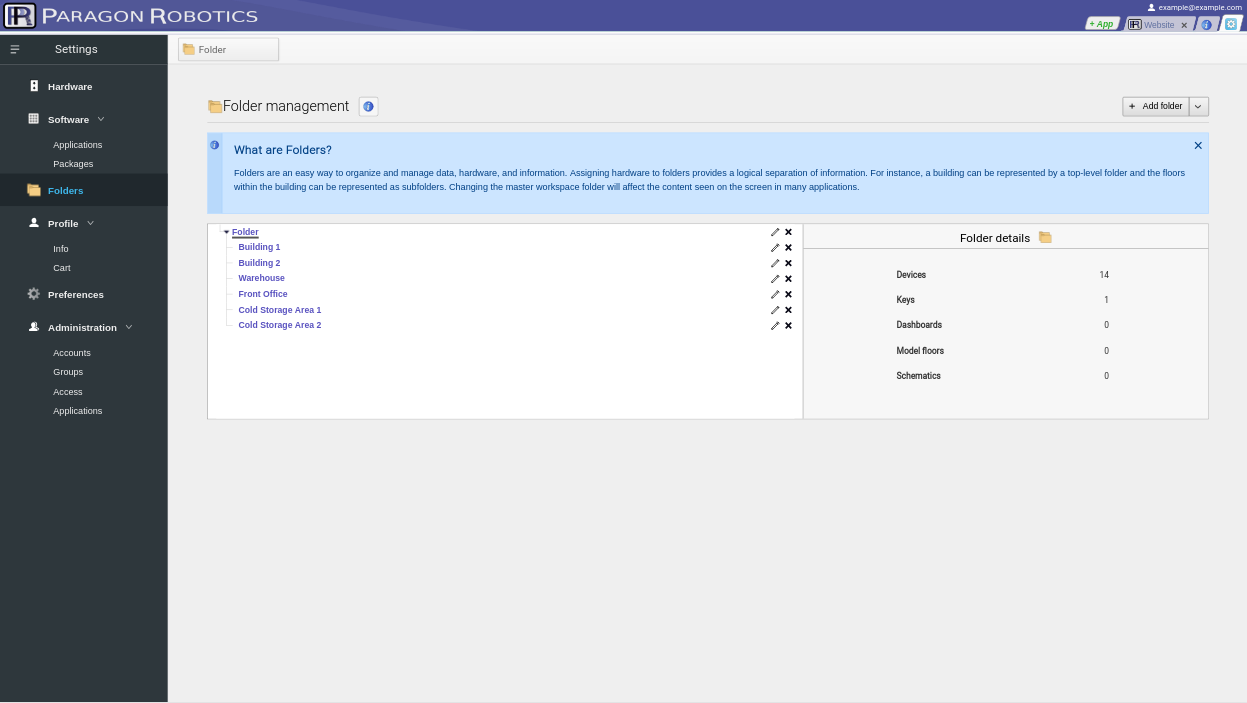
  • Customize and organize the system by grouping hardware into folders (building location, process, zones, areas, etc.).
  • Enable the HaloCloud service to remotely access sensor data, controls, and modify the system from any internet‑connected smart device.
  • Optional Enterprise software upgrade with advanced security, administrative privileges, and auditing features for multi‑user systems.
Connect Data Loggers, Gateways, and Sensor/Control Devices
  • Software automatically searches for connected gateways, thermostats, data loggers, controls, and sensors.
  • Utilize our batch setup feature to quickly claim larger systems.
  • The complete system and sensors can be up and acquiring data within minutes.
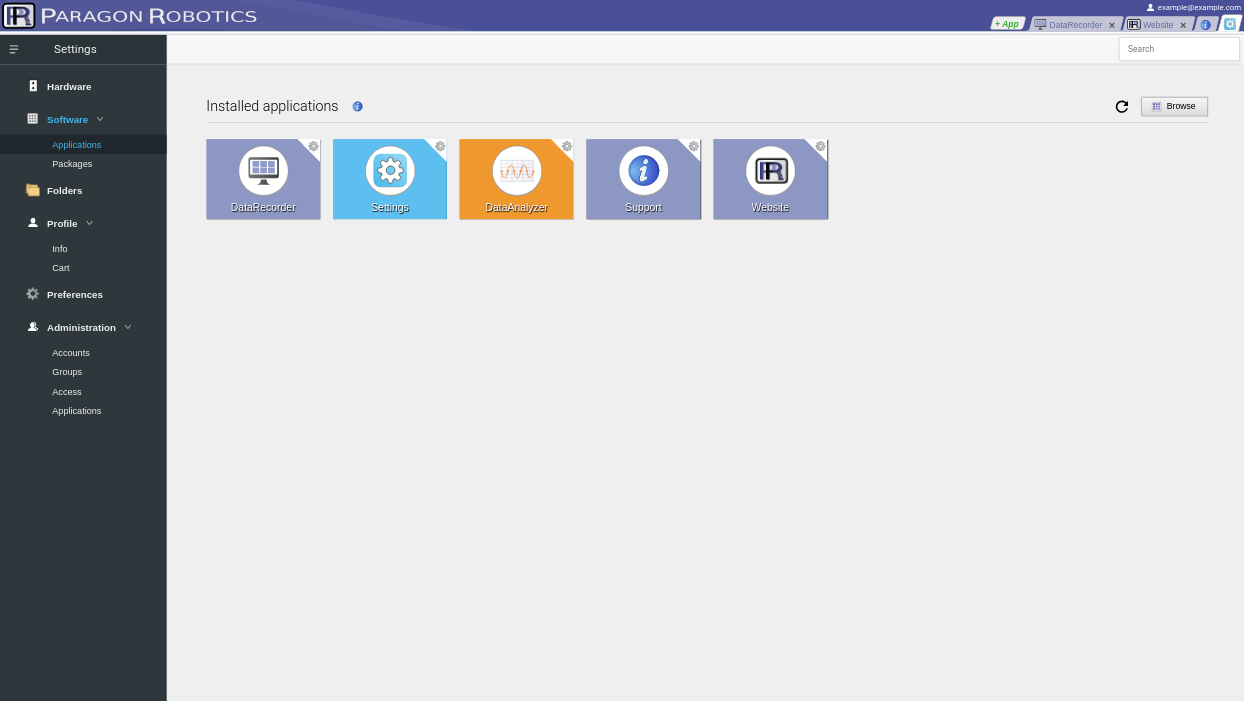
  • Quickly launch any of our Software Store apps—such as DataRecorder, DataAnalyzer, LaunchPad, SystemModeler, or SmartThermostat—to load dashboards and displays.
Runs in Any Modern Browser

Use your favorite browser. Compatible with Chrome, Firefox, Edge, Safari, and others.

Configure and access your system with PCs, laptops, or any mobile devices—tablets, iPhones, Android smartphones.

Remotely access sensor data and modify system settings from anywhere with a HaloCloud account.

Manage multiple systems or locations through a single interface.

Easily manage systems of any size

Works with both small and large monitoring and automation systems.

Control and configure all your hardware and software applications in a single interface.

View installed system software applications and protocol packages such as Modbus and BACnet.

With the HaloCloud service, you can merge and manage hardware across multiple, even worldwide, sites from a single access point.

Upgrade to Enterprise
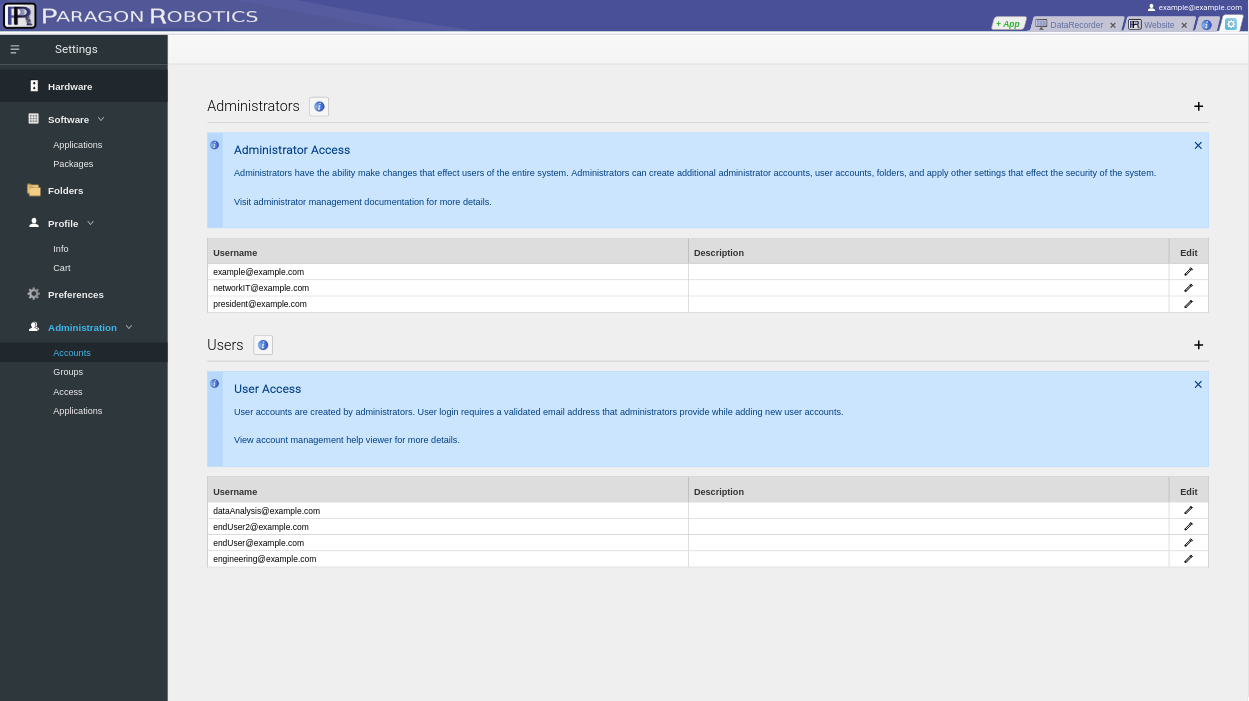
  • Increase security and accessibility in multi‑user systems with Enterprise administrative privileges and functions.
  • Invite additional system users and assign custom read/write privileges to the entire system or specific folders.
  • An easy‑to‑use administrator dashboard for inviting and managing system users.
  • Auditing features include user timestamps and a system modification log.
  • Quick access to online remote Parargon support and service staff to assist with system setup or diagnose configuration issues.
Sensors and gateway hardware
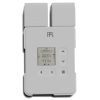
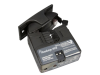
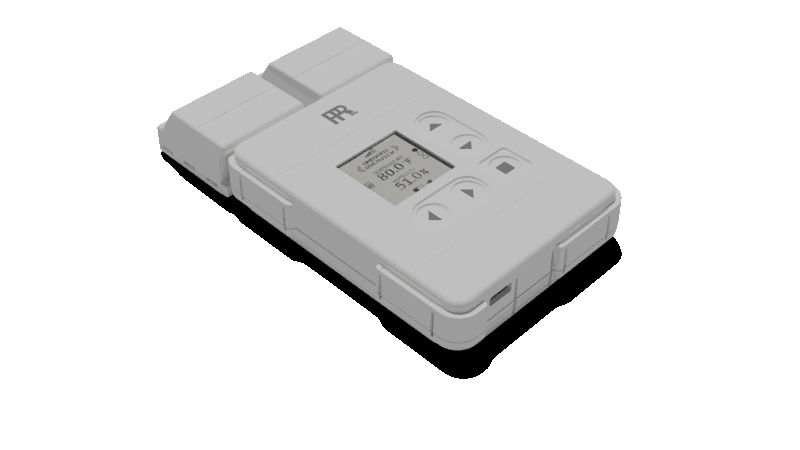
Compatible hardware and devices

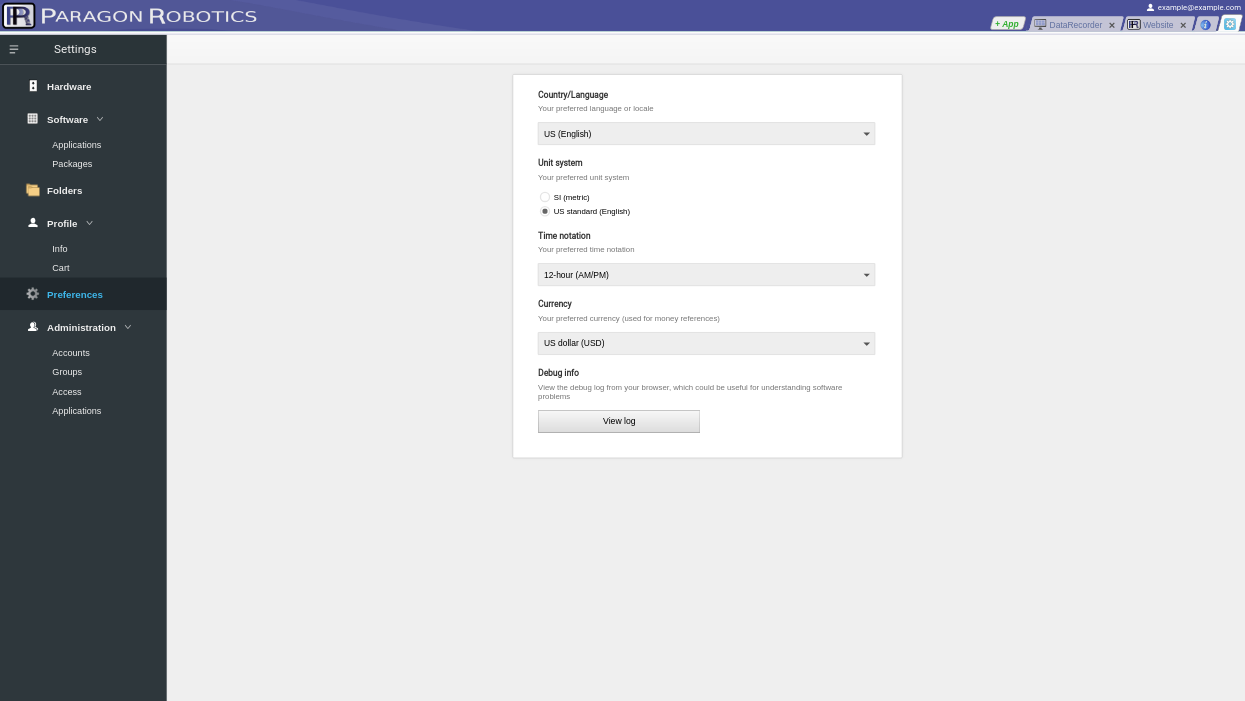
Our free Settings software guides you through the initial system setup for your hardware and software. Tasks such as security configuration, folder organization, multi‑user administrative options, and remote access with HaloCloud are all accessible via the side navigation menus.

All of our gateways, devices, thermostats, controls, and sensors are located, claimed, and configured using Settings as well. Multiple computers or other browser‑based devices can access the same network; however, each PC or mobile device must be set up separately.