DataAnalyzer
System measurement analysis
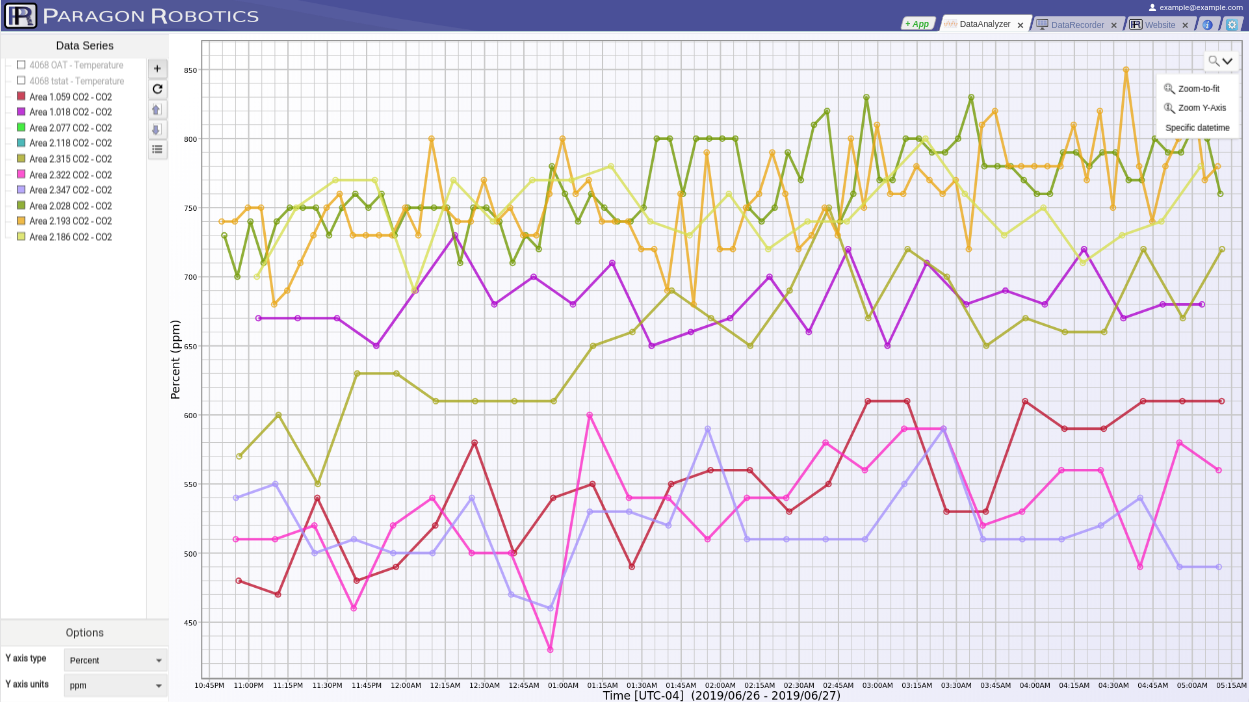
  • Chart all data from your connected sensors.
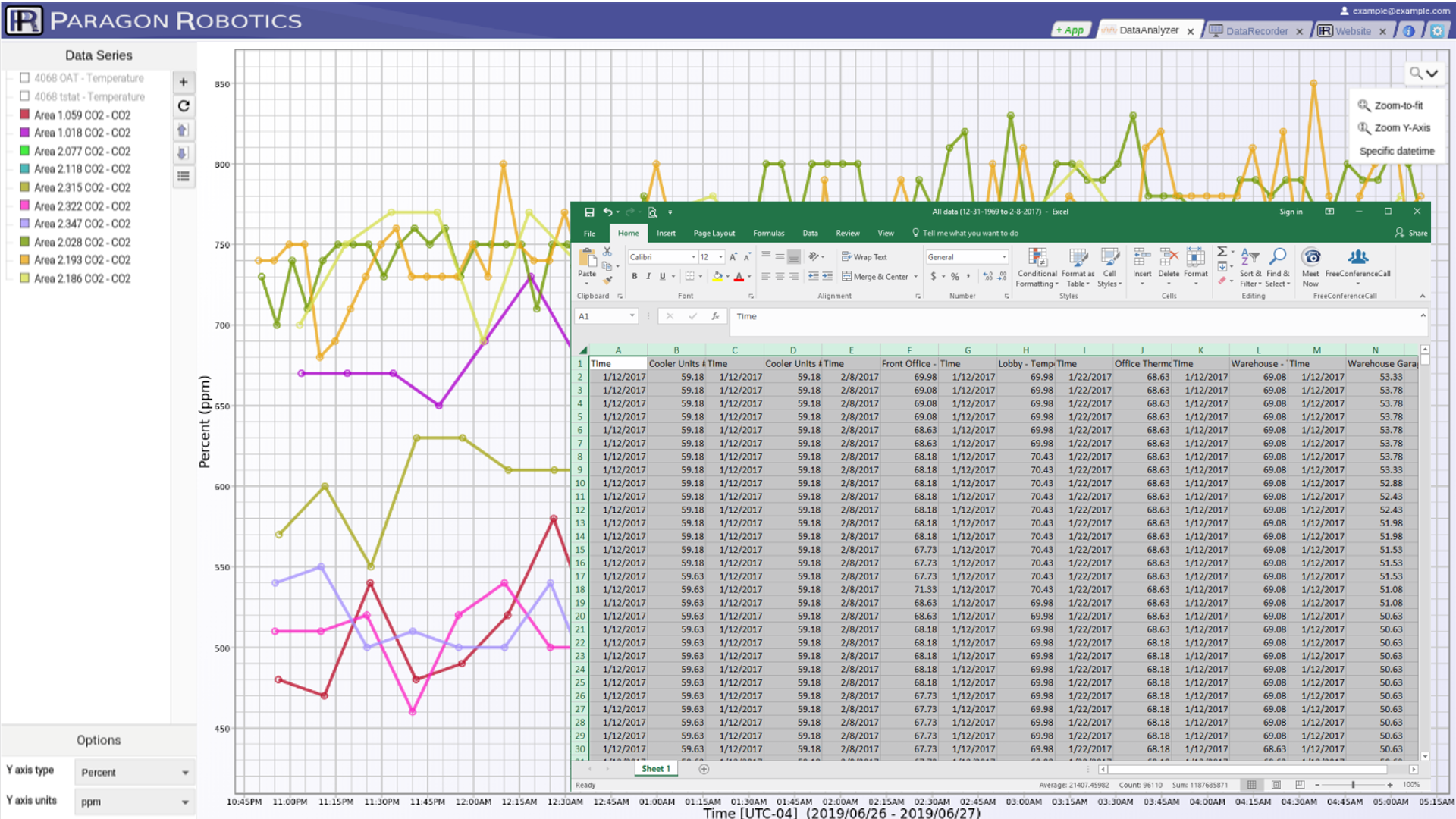
  • Export data to a CSV file to import into spreadsheets.
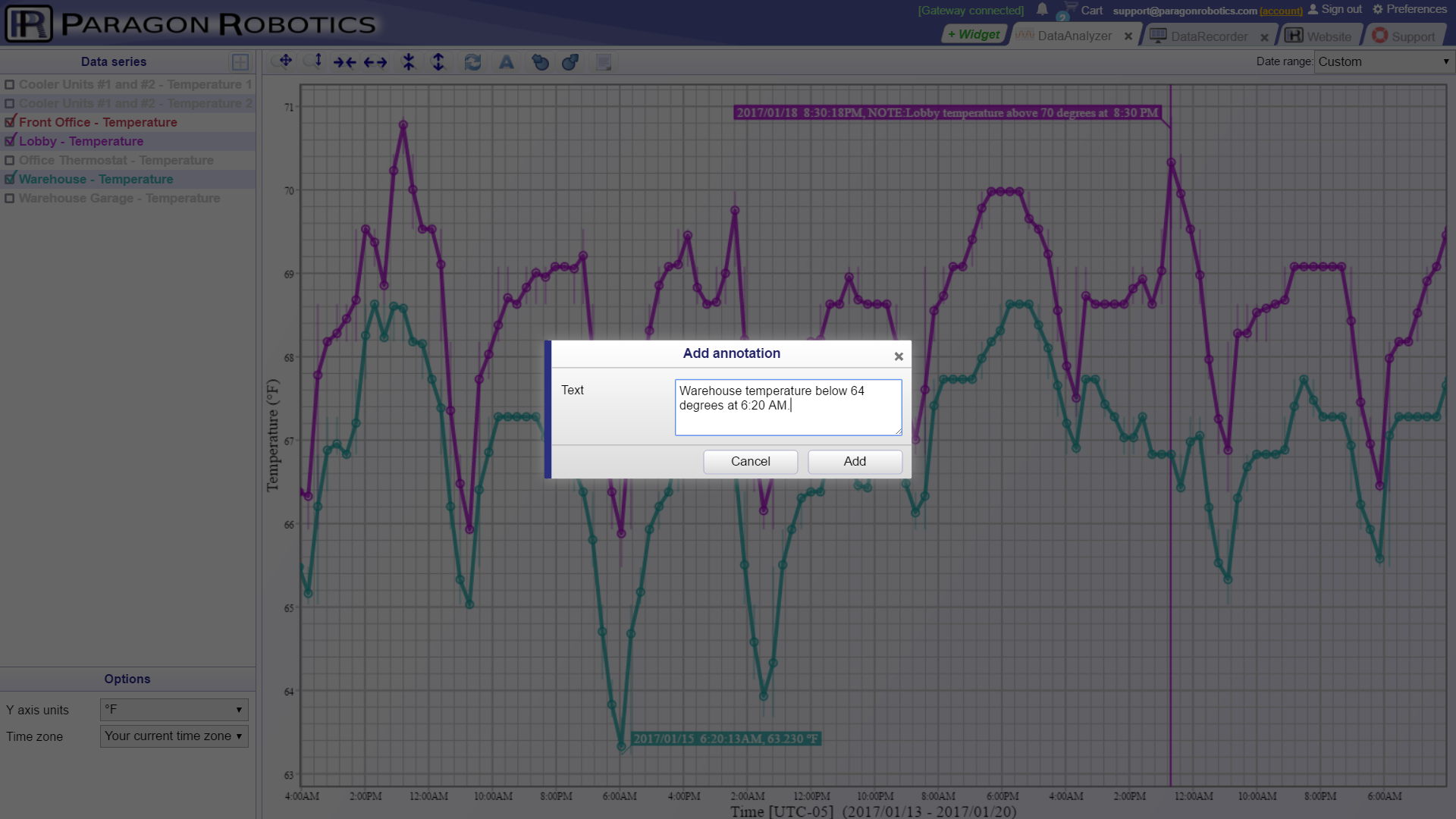
  • Add and save annotations to any alarm or data point for remarks, comments, or resolutions.
  • Remotely access data and charts from any device—laptops, tablets, iPhones, and Android devices.
Charting with alarm setpoints

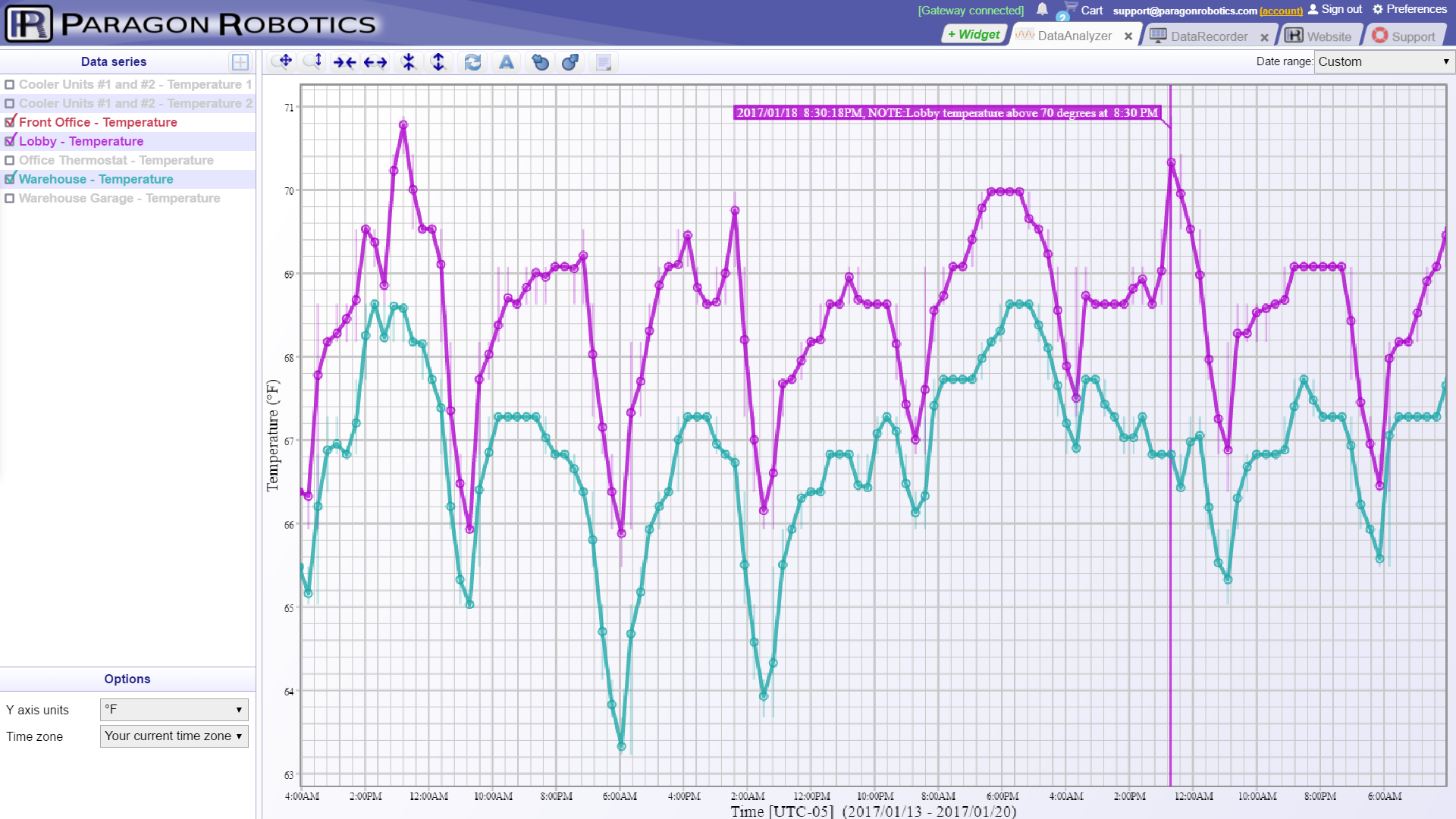
Overlay sensor data using our advanced charting widget. Our innovative database technology lets you zoom in or out to view an hour of system data or decades on a single display.

Charts can be customized to show individual sensor alarm setpoints and custom annotations for data points on the graph.

Export data for additional analysis
  • Export custom timeframes or entire datasets to CSV or tab‑delimited files.
  • Use exported files with spreadsheets or third‑party analysis tools.
  • Back up sensor and annotation data to historical files for archiving.
  • Import saved files to chart and review data at a later date.
Custom data point annotations

Create annotations for any measurement or alarm to meet record‑keeping or audit requirements. Annotations are time‑stamped and permanently stored in the system’s database on its gateway(s).

Record notes on data events or resolutions to alarm conditions. Simply click a data point and add your comments for permanent record.

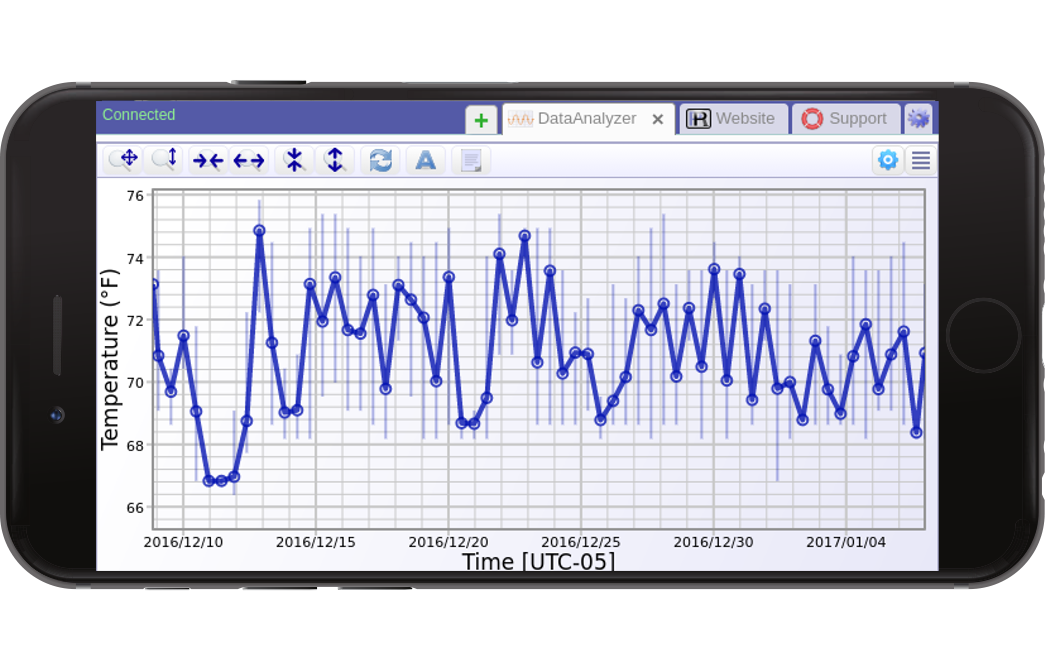
Mobile Optimized

Access data and chart sensors on your tablet or smartphone.
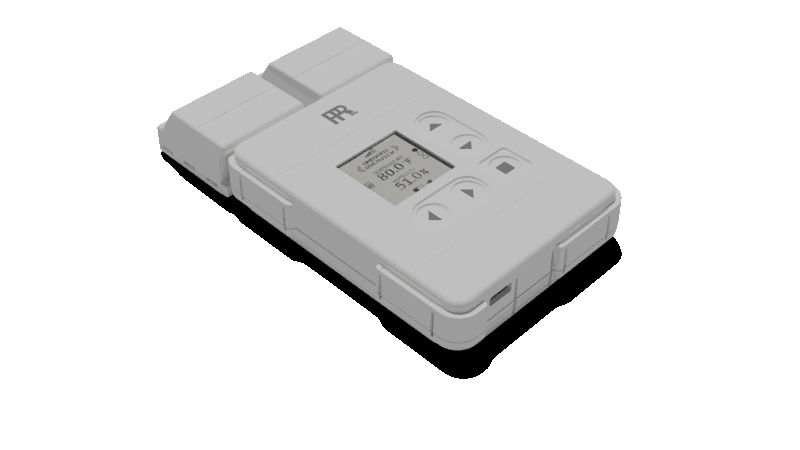
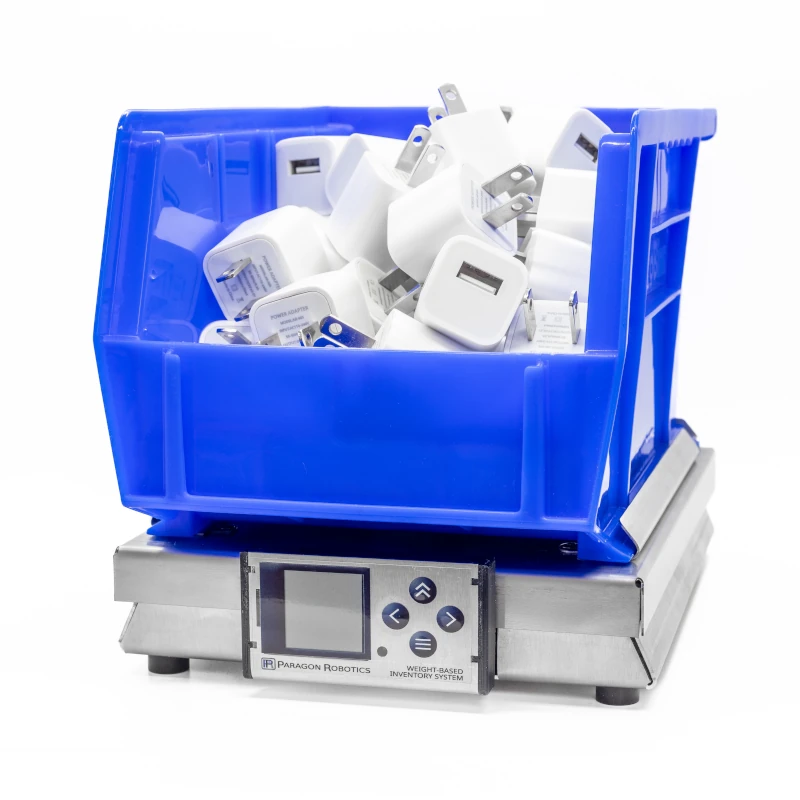
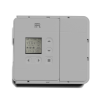
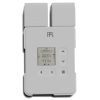
Sensors and gateway hardware
Compatible hardware and devices

DataAnalyzer software is provided free with your Paragon Robotics sensors and runs on any browser‑enabled device. Its powerful analysis and charting tools enable advanced post‑processing analytics.

Additional sensors and controls can be added to your system. Choose from a broad range of measurements—including temperature, humidity, power, light, occupancy, moisture, pressure, CO₂, flow—and compatibility with any instrumentation or sensor output.