Launchpad dashboard software
Custom dashboards and fullscreen kiosk displays
Template‑based display combinations
Multiple saved dashboard templates
Fullscreen kiosk mode with auto refresh
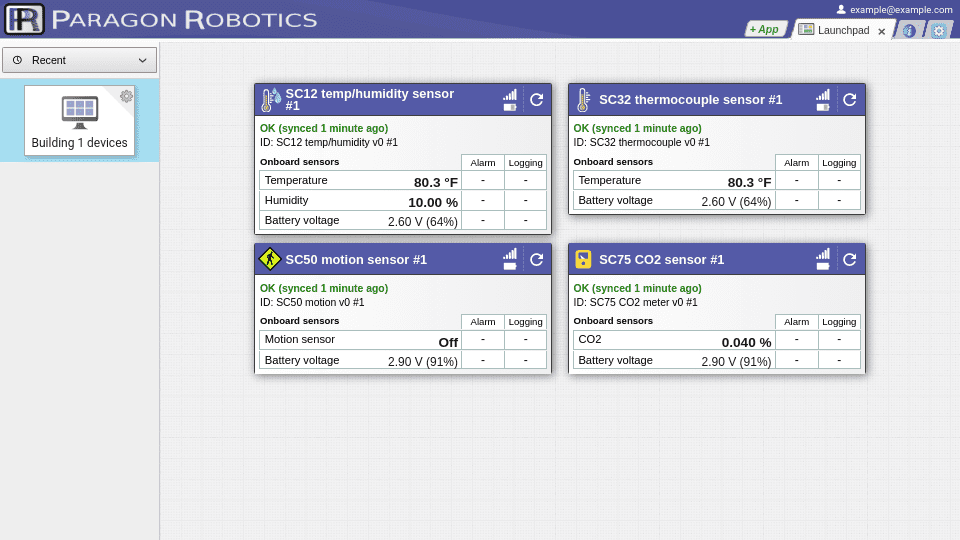


Custom dashboards
- Use templates to create custom display combinations that pull data from any system sensor.
- A variety of templates—digital displays, data charts—to meet system requirements.
- Combine displays to create a custom dashboard that provides an overview of system sensors.
- Set up and save multiple dashboard templates for quick access and data display.
- Dashboard templates can be restricted based on user permissions in Enterprise systems.
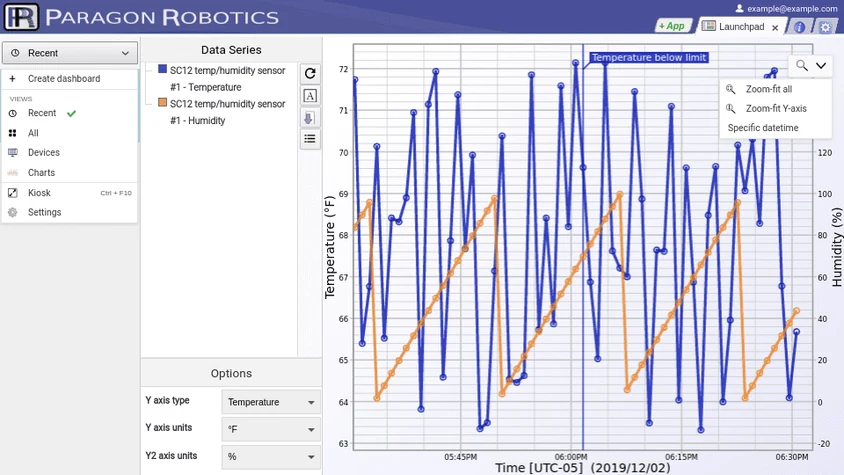
Kiosk display mode
Display custom dashboards in fullscreen.
Configure display refresh rate to automatically update sensor data and charts.
Utilize any display template and combination of system sensors to create a unique dashboard.
Kiosk mode automatically enters fullscreen on refresh and hides mouse cursors.
Configure display refresh rate to automatically update sensor data and charts.
Utilize any display template and combination of system sensors to create a unique dashboard.
Kiosk mode automatically enters fullscreen on refresh and hides mouse cursors.

Create sensor alarms and receive immediate notifications
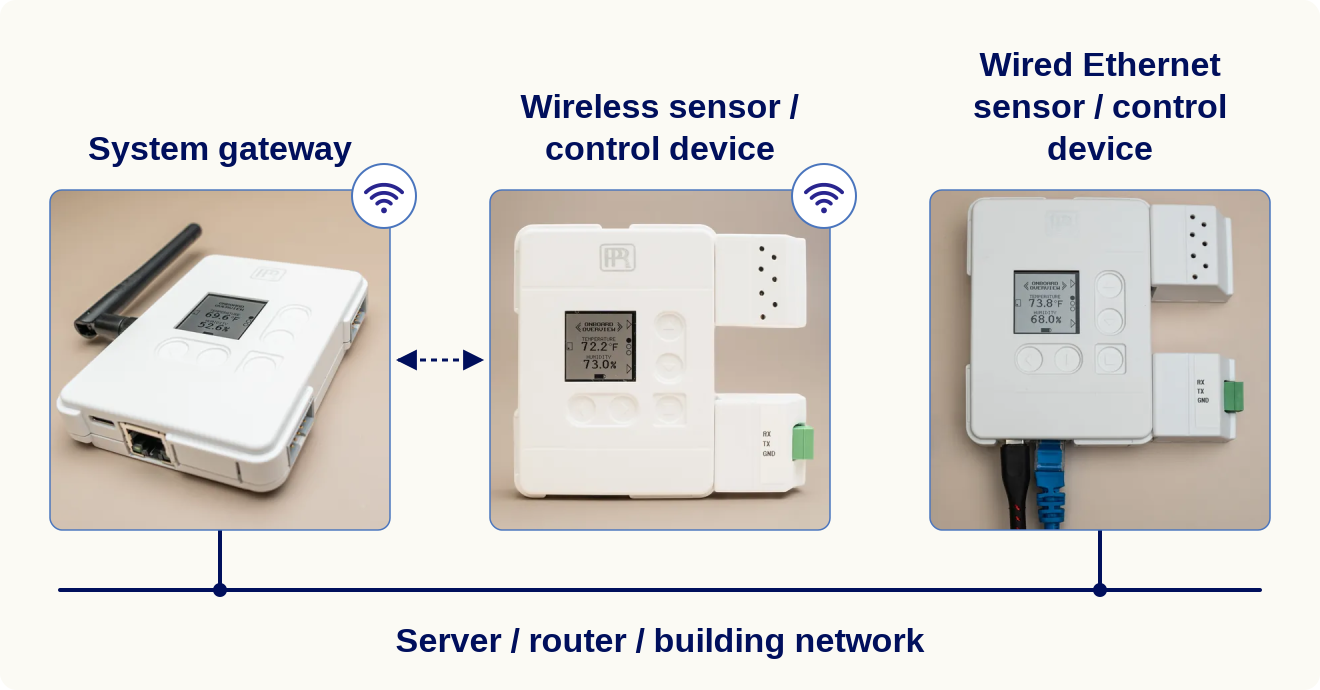
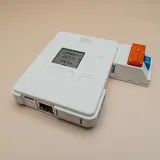
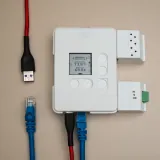
Compatible hardware and devices
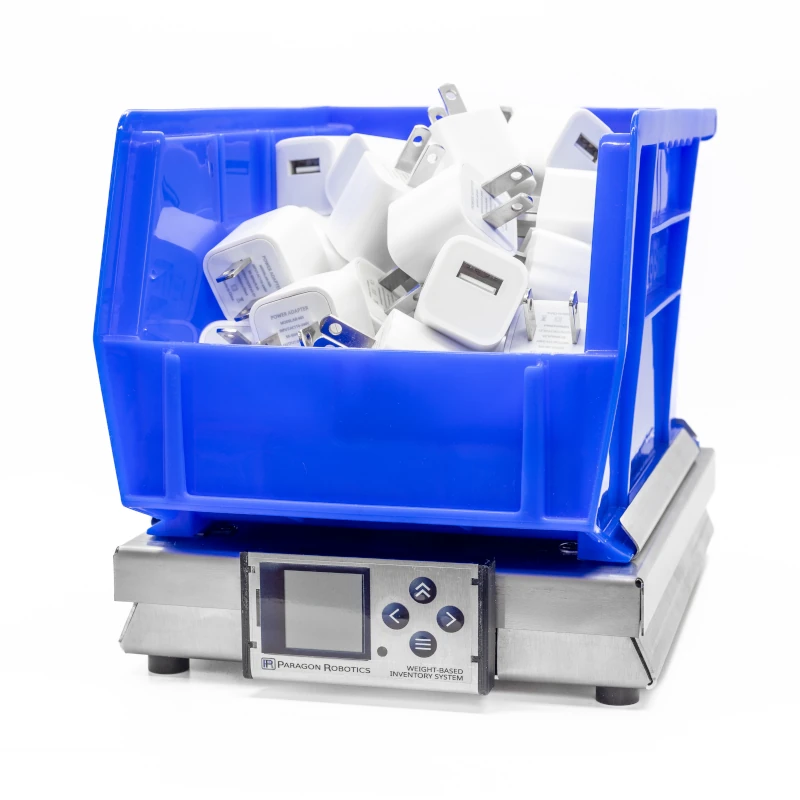
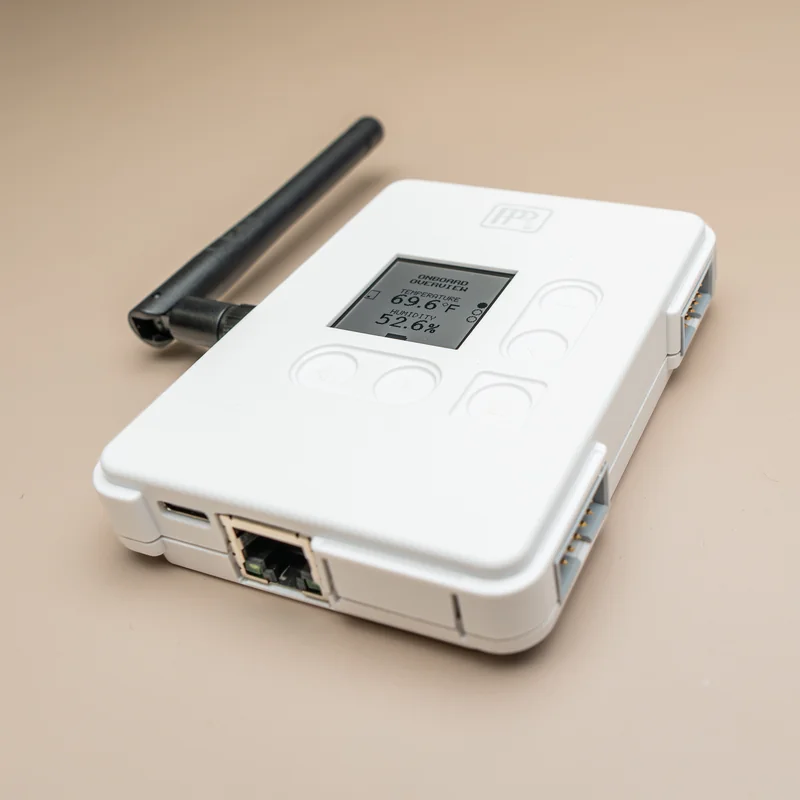
Launchpad works with your Paragon Robotics sensors and controls and runs on any browser‑enabled device. Additional sensors and controls can be added to your system. Choose from a broad range of measurements, including temperature, humidity, power, light, occupancy, moisture, pressure, CO₂, flow, as well as compatibility with any instrumentation or sensor output.